SharedCN
The modern frontend ecosystem has experienced a massive shift in how we consume UI components. Instead of installing bloated, opaque npm packages, the community has embraced the "copy-paste" philosophy popularized by tools like shadcn/ui. However, while shadcn/ui provides a fantastic set of base primitives, there was no centralized, community-driven platform for developers to share their own custom, complex components built on top of those primitives.
This case study explores the development of SharedCN, a full-stack platform and CLI tool designed to democratize component sharing. It allows developers to publish, discover, and install custom React components and development setups directly into their codebases via a single terminal command.
1. System Architecture
To deliver a seamless experience from the browser to the terminal, SharedCN is split into three core pillars:
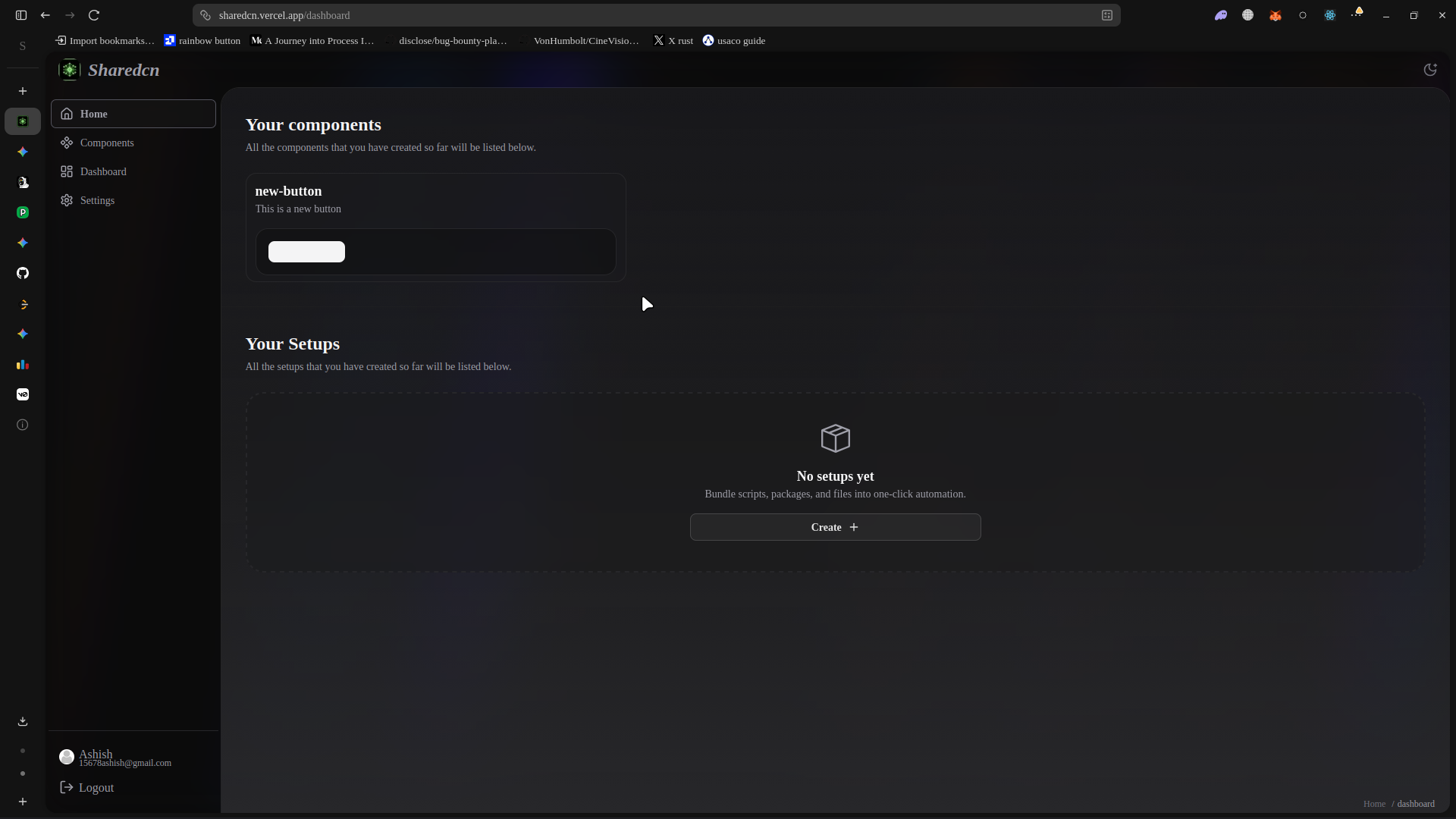
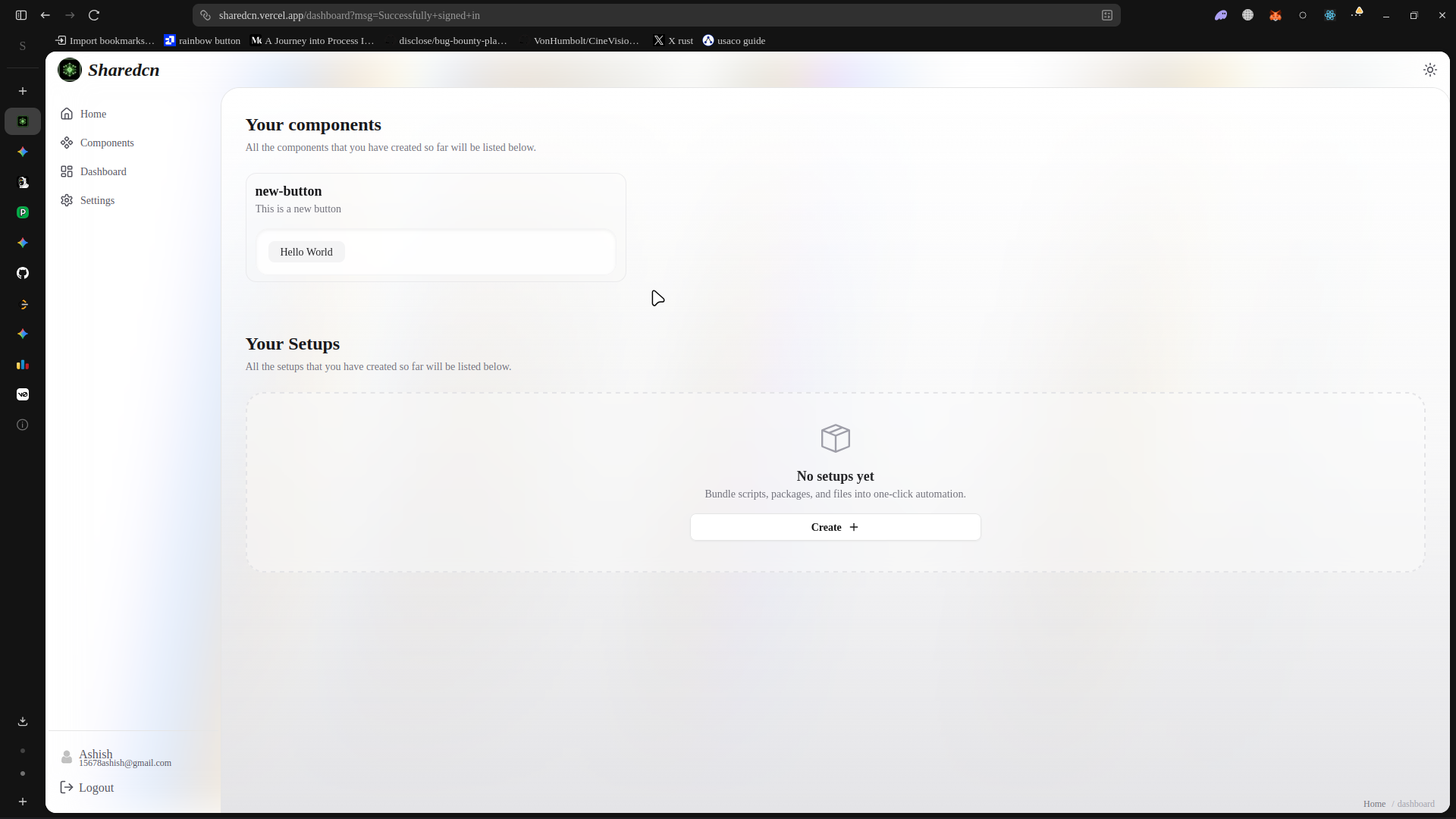
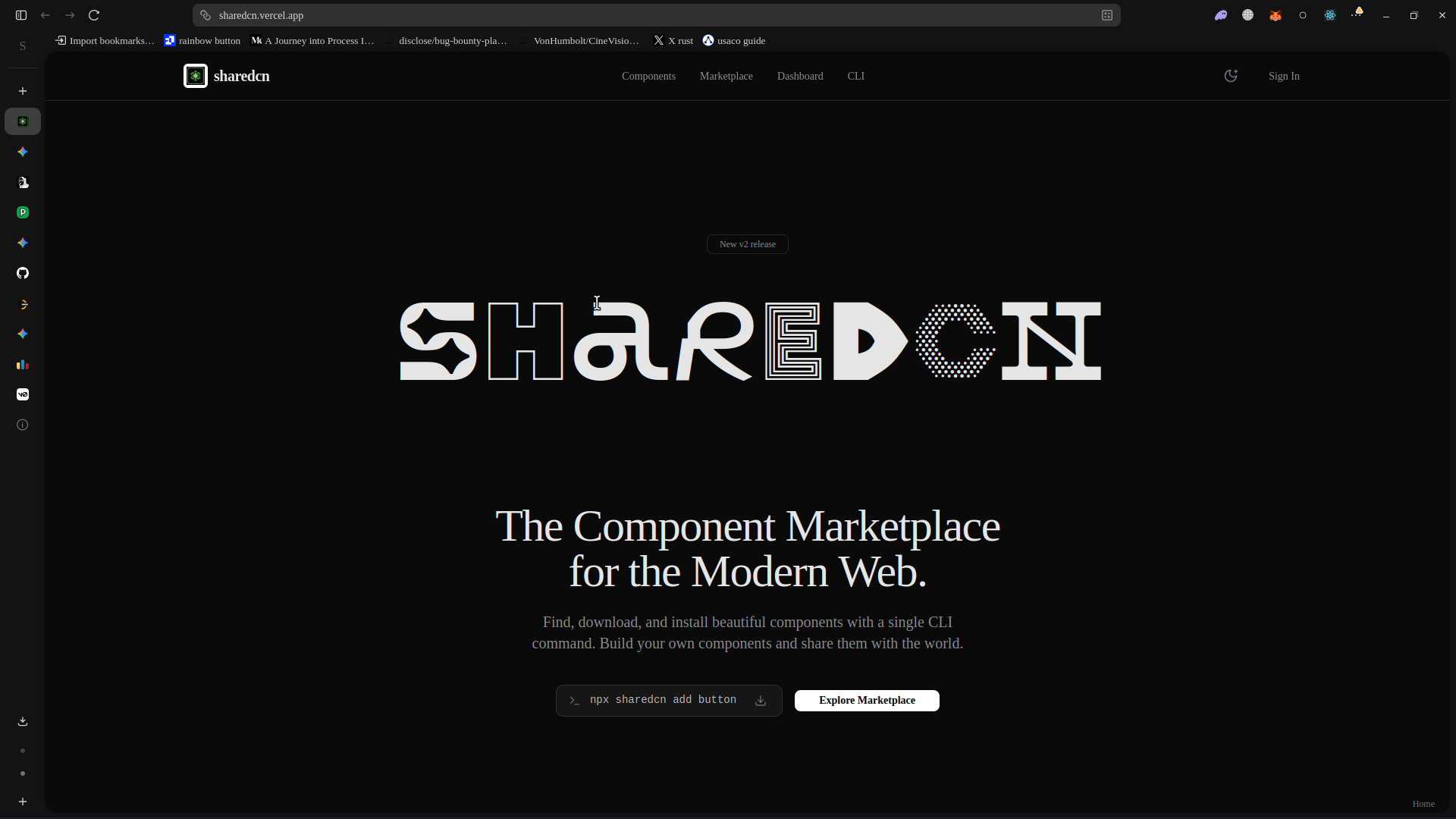
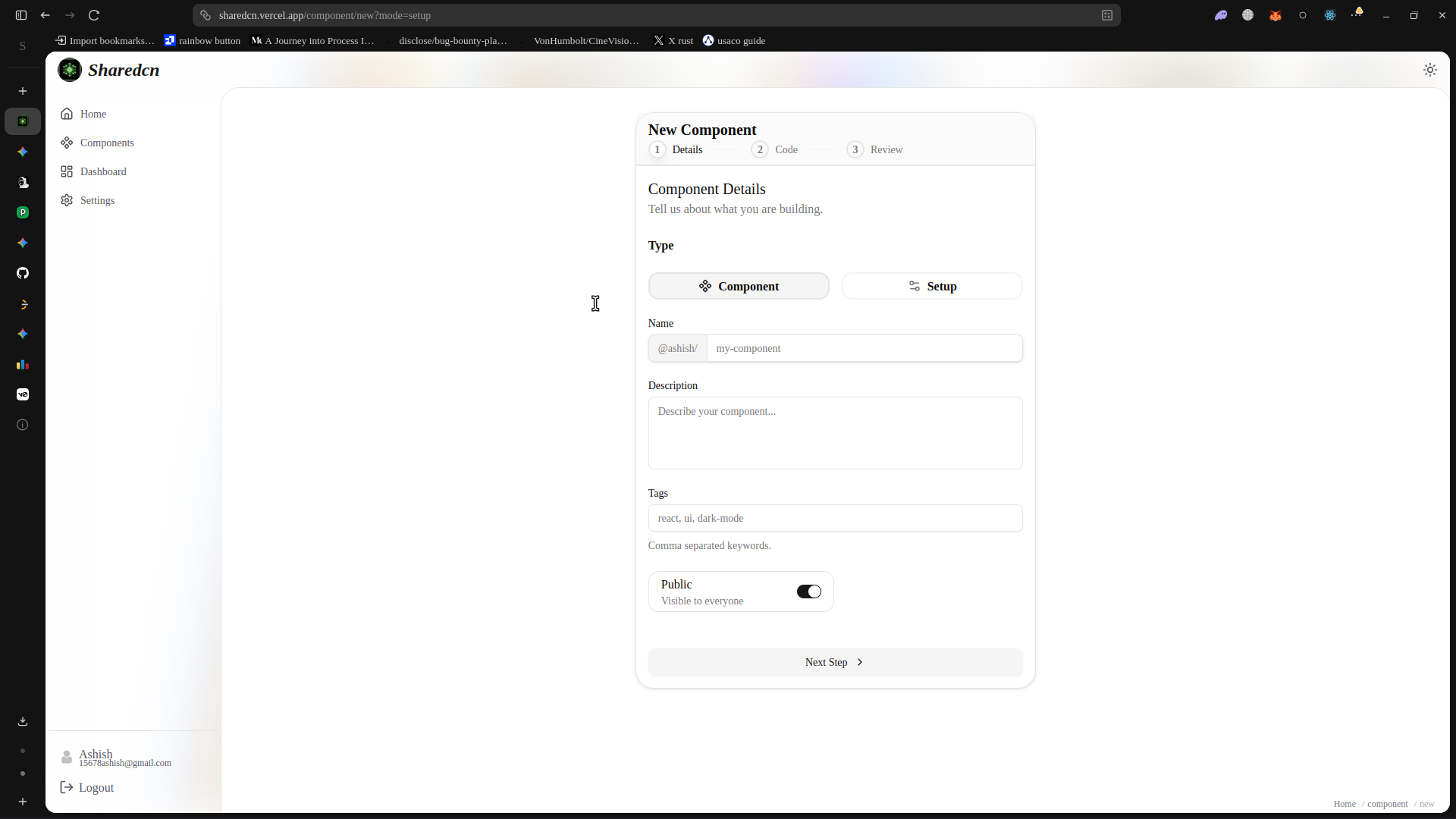
- The Web Platform: Built with Next.js 15 and React Server Components (RSC) for browsing, previewing, and publishing components.
- The CLI Tool: A Node.js executable that parses user commands, fetches component code, resolves dependencies, and writes files directly to the user's local project.
- The Backend API: A robust tRPC/REST layer connected to a PostgreSQL database (via Prisma) that handles authentication, component metadata, and registry versioning.
High-Level Flow
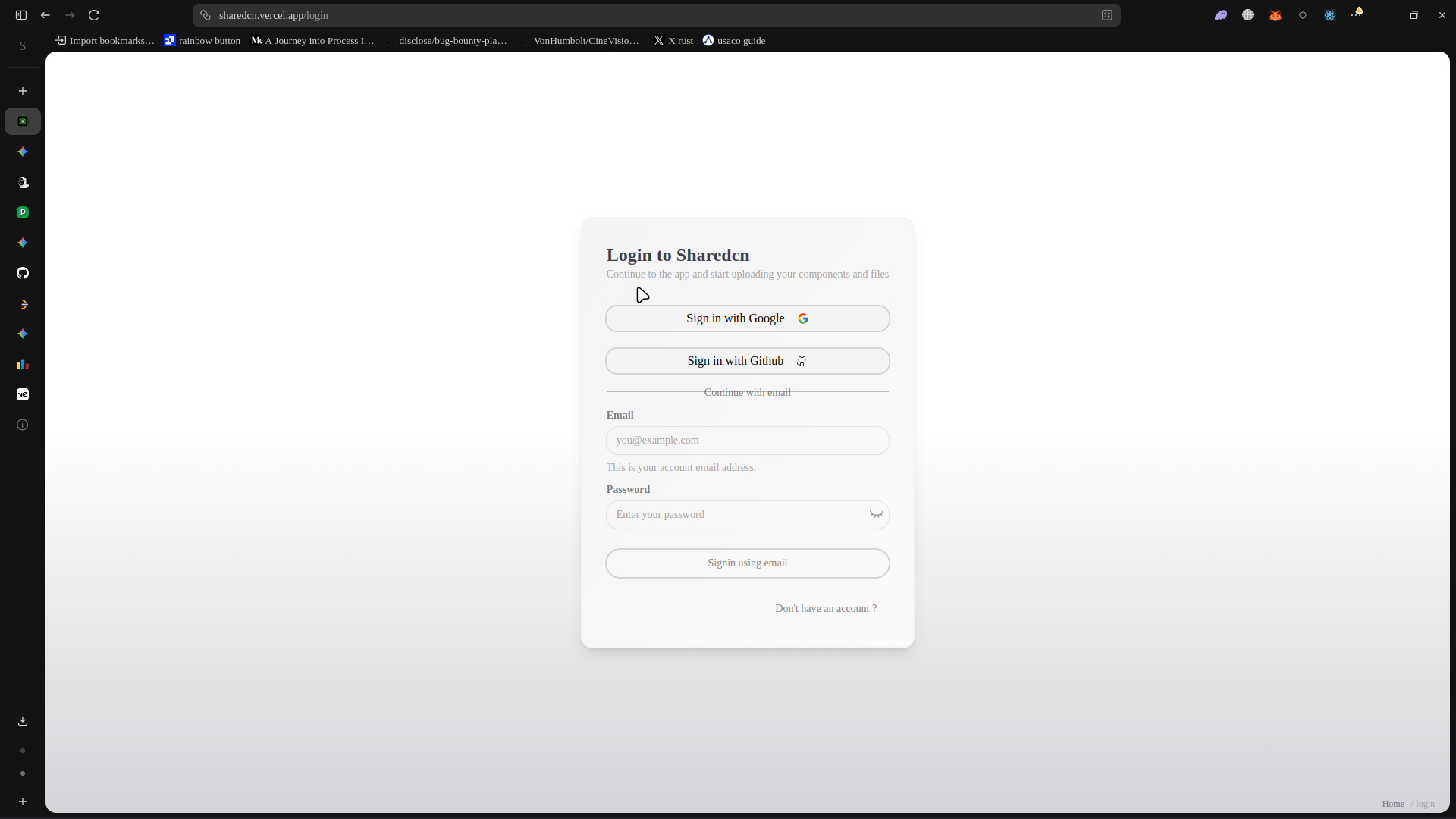
- A creator logs in via GitHub, submits a component (code + dependencies + styling).
- The Web App stores the metadata in PostgreSQL and the actual code references via the GitHub API (or raw text storage).
- A consumer finds the component on the website and runs
npx sharedcn add @username/cool-button. - The CLI fetches the manifest, installs any required
npmpackages, and injects the.tsxfile into the consumer'scomponents/directory.
2. Engineering the CLI Tool
Building a CLI that modifies a user's local file system requires extreme care. It needs to be fast, reliable, and respectful of existing project configurations (like TypeScript aliases and Tailwind setups).
Dependency Resolution
A major challenge with copy-paste components is that they often rely on third-party libraries (e.g., framer-motion, lucide-react) or other internal components.
To solve this, the CLI relies on a strict Component Manifest (JSON format).
{
  "name": "animated-bento-grid",
  "dependencies": ["framer-motion", "clsx", "tailwind-merge"],
  "registryDependencies": ["button", "card"],
  "files": [
    {
      "name": "animated-bento-grid.tsx",
      "content": "..."
    }
  ]
}
When the CLI runs, it executes a multi-step pipeline:
- Fetch Manifest: Retrieves the JSON definition from the SharedCN API.
- Install Packages: Uses
execato spawn a child process runningnpm installorpnpm addfor the requireddependencies. - Resolve Registry Deps: Recursively calls itself to install missing internal components (like the base
button). - Write Files: Transforms the import paths (handling
@/componentsvs~/componentsaliases based on the user'stsconfig.json) and writes the file to the disk.
AST Manipulation (Abstract Syntax Trees)
Simply string-replacing paths can be brittle. In more advanced edge cases (like injecting new colors into a tailwind.config.ts), the CLI leverages AST parsing via tools like recast or babel. This allows the CLI to programmatically parse the user's config file, inject new theme variables safely into the AST, and write it back without breaking their custom formatting.
3. The Next.js 15 Web Platform
The web interface is the discovery engine of SharedCN. Built on the bleeding edge of Next.js 15, it heavily utilizes React Server Components to deliver an incredibly fast, SEO-friendly catalog.
Server Actions for Mutations
Historically, submitting form data (like publishing a new component) required setting up a dedicated API route, handling loading states, and managing client-side fetching. With Next.js 15, SharedCN uses Server Actions to process submissions directly.
// app/actions/publish.ts
"use server"

import { db } from "@/lib/db";
import { revalidatePath } from "next/cache";
import { z } from "zod";

const ComponentSchema = z.object({
  name: z.string().min(3),
  code: z.string(),
  tags: z.array(z.string()),
});

export async function publishComponent(formData: FormData) {
  const session = await getSession();
  if (!session) throw new Error("Unauthorized");

  const parsed = ComponentSchema.parse({
    name: formData.get("name"),
    code: formData.get("code"),
    tags: JSON.parse(formData.get("tags") as string),
  });

  const component = await db.component.create({
    data: {
      ...parsed,
      authorId: session.user.id,
    }
  });

  revalidatePath("/explore");
  return { success: true, id: component.id };
}
This approach eliminates enormous amounts of client-side boilerplate, ensuring that database writes are secure and type-safe from end to end.
Live Previews
A critical feature of any component registry is allowing users to play with the component before installing it.
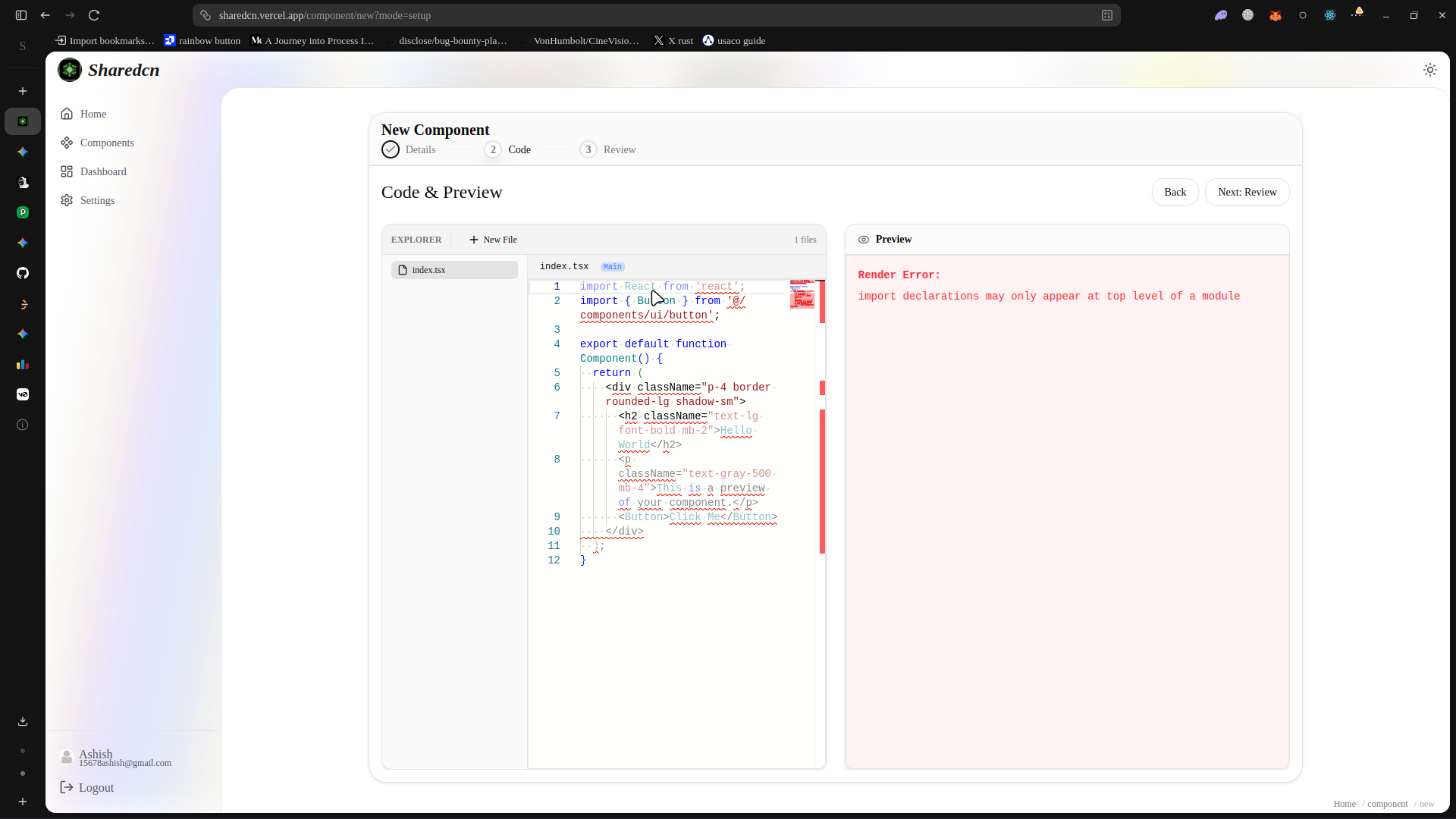
Implementing live React previews safely is complex because executing user-submitted code in the browser opens the door to XSS (Cross-Site Scripting) attacks. SharedCN utilizes Sandboxed Iframes combined with an in-browser bundler (similar to Sandpack) to compile and render the submitted React components in complete isolation.
4. Data Storage and GitHub Integration
Instead of forcing users to paste massive walls of code into a text area, SharedCN deeply integrates with the GitHub API.
The backend validates the URL, extracts the raw file content via the GitHub Raw API, and parses the import statements on the server to automatically detect dependencies. This completely removes the friction of manual data entry; the platform infers everything it needs directly from the source code.
PostgreSQL & Prisma
The relational data (Users, Likes, Downloads, Comments, and Tags) is handled via PostgreSQL. We use Prisma as the ORM to guarantee type safety. A highly optimized schema ensures that querying the most popular components over the last 30 days takes milliseconds, even as the database scales to thousands of entries.
5. Challenges and Learnings
Building a dual-ecosystem tool (Web + CLI) presented unique hurdles:
- Cross-Platform CLI Compatibility: Ensuring the Node.js CLI handled file paths correctly on both Windows (backslash
\) and Unix (forward slash/) systems was a constant source of bugs in early iterations. - Framework Agnosticism: Initially, the CLI assumed the user was running Next.js. Expanding it to gracefully handle Vite, Remix, and plain React setups required building a robust heuristics engine that scans the user's
package.jsonto adapt its installation strategy automatically. - Caching & Revalidation: The Next.js App Router aggressively caches data. Fine-tuning the cache invalidation strategy (
revalidateTag) was necessary to ensure that when a user updates their component on GitHub, the SharedCN platform instantly reflects the new code without sacrificing edge-network performance.
Conclusion
SharedCN transforms the fragmented process of sharing UI code into a streamlined, native-feeling developer experience. By combining a modern web catalog powered by Next.js 15 with a highly capable Node.js CLI, it reduces the time it takes to share and consume complex React patterns from hours to seconds. It stands as a testament to the power of developer tooling when UX and DX are perfectly aligned.
Gallery